

Assistive Orbit Nav
Advanced floating navigation with Assistive Touch menu and orbital gesture
Screenshots
Description
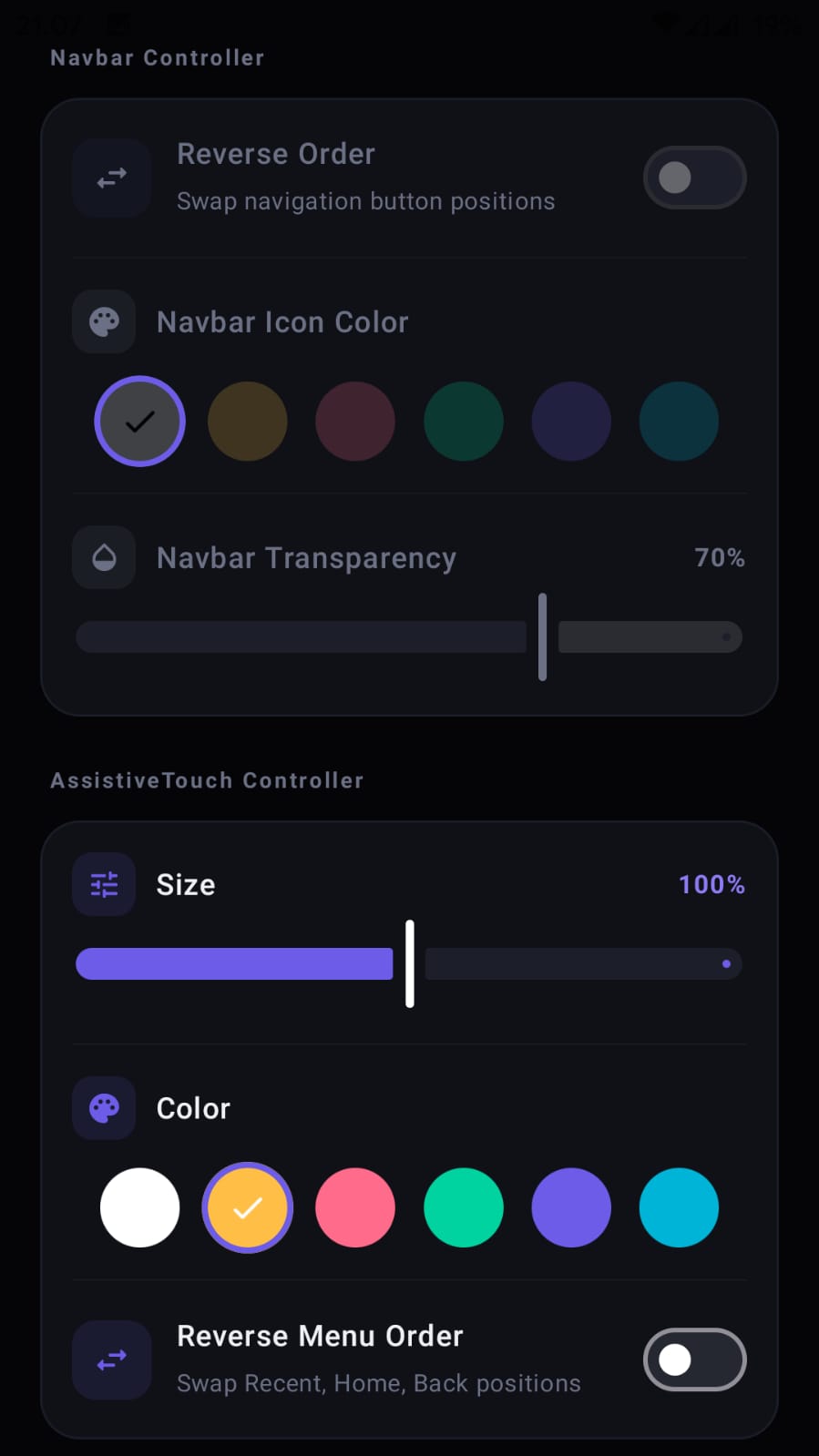
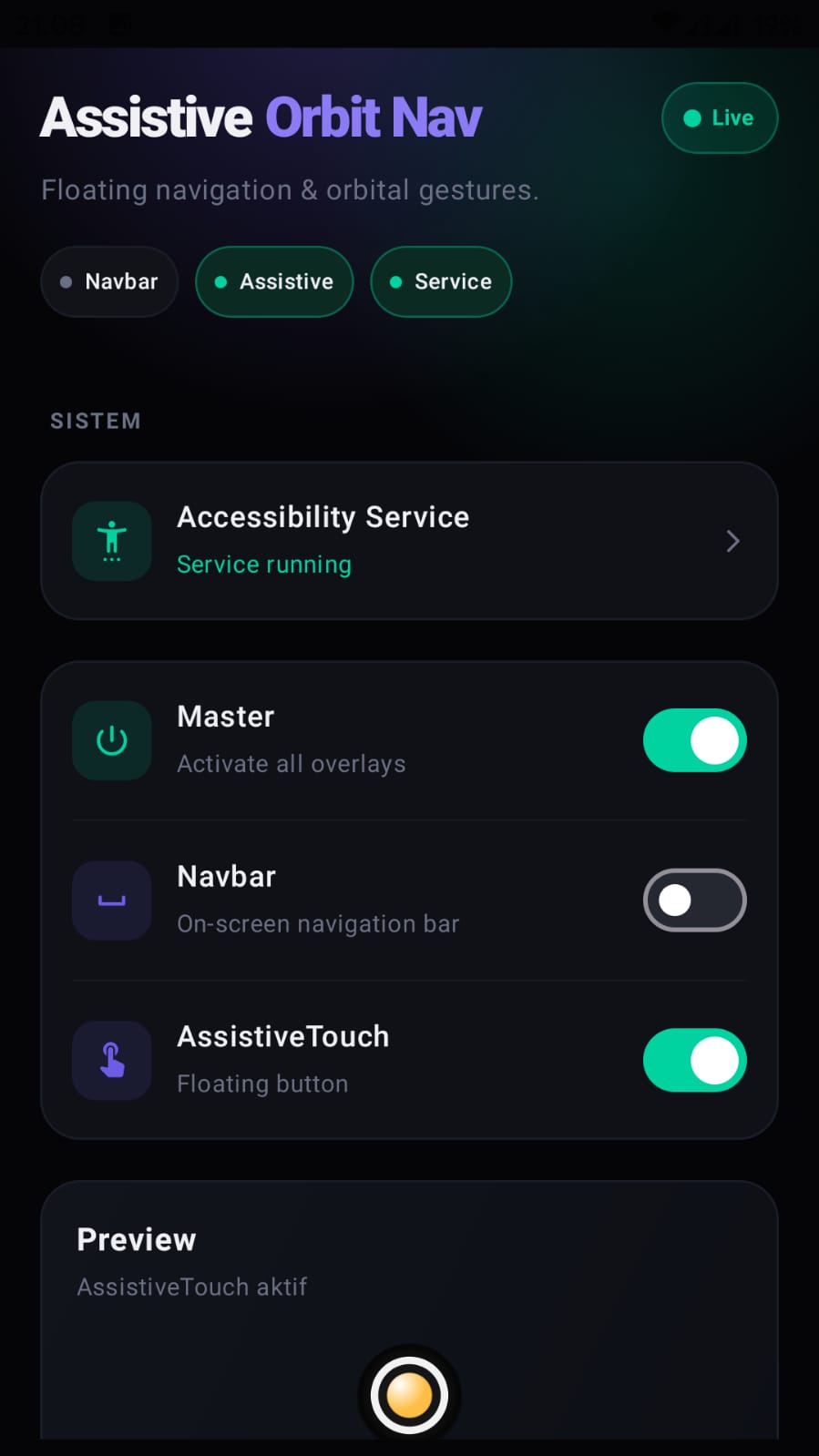
Upgrade your Android navigation experience with Assistive Orbit Nav! Assistive Orbit Nav is a premium accessibility solution that brings fully customizable floating navigation controls and an intuitive Assistive Touch menu to your device. Designed for easy one-handed use and quick access to essential system tools. Key Features: - Floating Navigation Bar: Access Back, Home, and Recent Apps buttons from anywhere on your screen. - Assistive Touch Menu: An orbital menu providing rapid access to Screenshots, Screen Lock, Flashlight, Power Menu, and Split Screen. - Gesture Controls: Use intuitive orbital gestures to navigate your device faster than ever. - Full Customization: Adjust colors, sizes, transparency, and positions to perfectly match your style. - Lightweight & Fast: Optimized for high performance without draining your battery or memory. Privacy & Accessibility: We deeply value your privacy. This app uses the AccessibilityService API only to execute navigation functions and system utilities at your request. We DO NOT collect, store, or transmit any of your personal data, typed text, or screen content. Install Assistive Orbit Nav now and discover a smarter way to control your smartphone!
Key Features
Fast and lightweight
Optimized for quick startup and smooth use.
Privacy-aware design
Clear permissions and data usage disclosures.
FAQ
Is this app free?
Please check the Google Play listing for current pricing and availability.
How do I contact support?
Use the support form on this website.
Changelog
2026-05-12
Initial public release.